
Kabu · Free iPhone beta
Your agent has a question. Answer from anywhere.
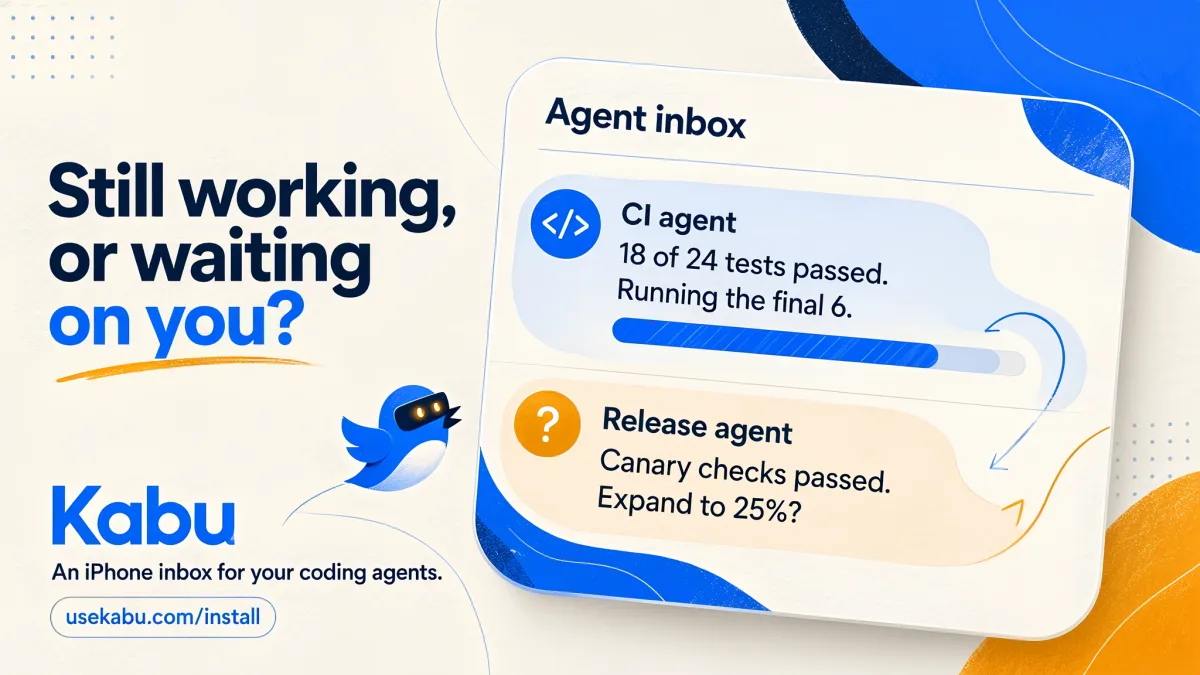
One agent has six tests left. Another needs a decision about a rollout. See their updates, check the evidence and answer from one inbox on your iPhone.
Join the free iPhone betaOpen on your iPhone to install through TestFlight. No email or credit card required to get the beta link.
Want the team to follow up? Leave your email in the beta form. It's optional and does not subscribe you to marketing.
Get your first question on your phone
- On your iPhone: install Kabu through TestFlight, sign in and allow notifications.
- On your computer: follow the setup guide and run
kabu login --device. In Kabu, choose Connect a computer and enter the code. - Try it: run
kabu ask "Did this reach your phone?". Tap Approve on your iPhone and see the answer in your terminal.